Write the point before the script
Start with a sentence that states what the reader will understand or do afterward. “Here is how I organize reference photos before editing” is a workable point. “My complete creative journey” may contain several different ideas. Separating those ideas first makes the format decision easier and reduces the pressure to fit everything into one post.
The platform matters, but it should not be the first creative decision. A video-first platform may suit a demonstration, while a text-centered conversation may suit an argument. Instagram, TikTok, YouTube, LinkedIn and Pinterest have different interfaces and audience expectations. Their features also change. Check current platform documentation before relying on a specific upload limit or publishing feature.
Use text when language does the work
A short text post is useful for a clear distinction, a small story or a thoughtful answer. Give the reader the situation, the point and an example. Break up dense paragraphs without turning every sentence into a theatrical announcement. An opening should help the right person recognize the topic, not withhold the answer merely to manufacture suspense.
Text is also a useful first draft for other formats. If an explanation is confusing on the page, adding motion and music usually makes it harder to diagnose. Read it aloud. Remove the sentence that repeats the title without adding information. Replace abstract encouragement with something the reader can notice or try.
Use a sequence when order matters
A carousel or illustrated sequence works well when the reader benefits from moving through steps at their own pace. Give each panel one job. The first establishes the problem; the middle develops the explanation; the last summarizes the useful outcome. Avoid splitting a single short thought across many panels just to increase the number of swipes.
Canva, Adobe Express and Figma can help you build consistent layouts. They are tools, not substitutes for a clear sequence. Use readable type, strong contrast and enough space around examples. Include essential information in the accompanying text where possible, and write meaningful alternative text when a platform supports it.
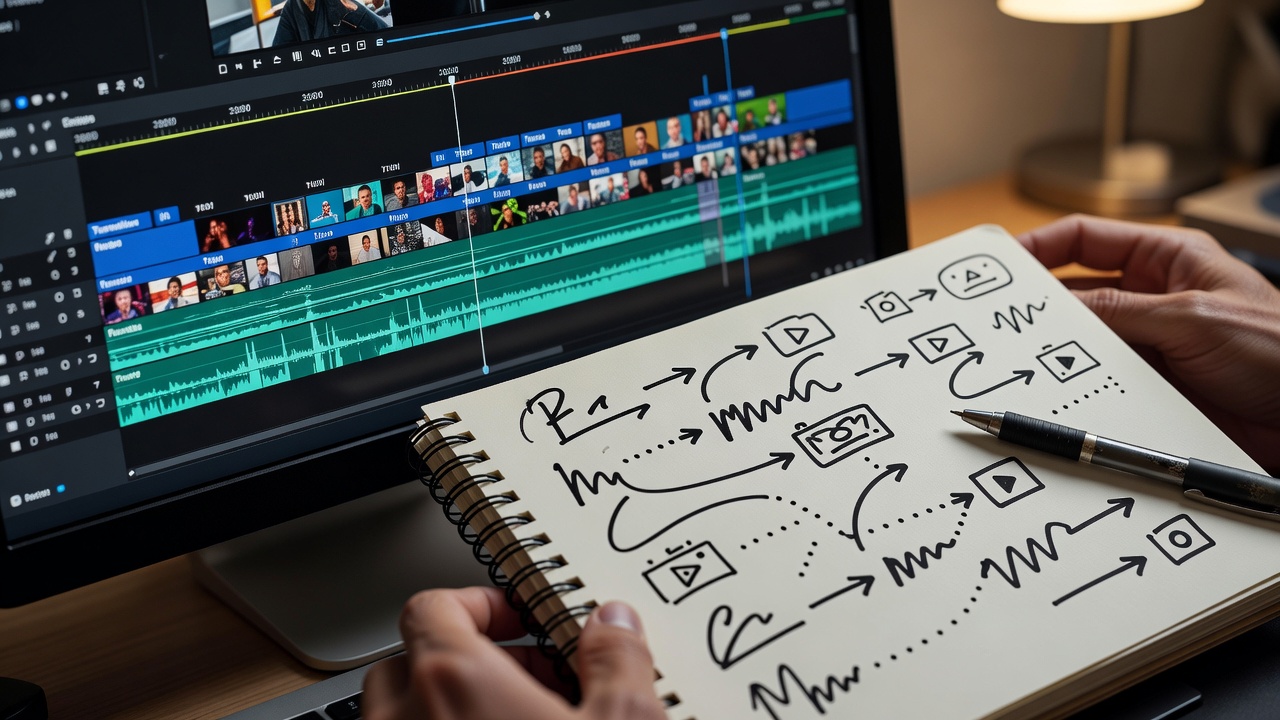
Use video when seeing changes understanding
A demonstration earns its production effort when movement, sound or timing is part of the lesson. Show the relevant action early, name what the viewer should watch and hold the result long enough to inspect it. A screen recording can be more useful than a camera-facing explanation when the problem lives inside an interface.
CapCut and DaVinci Resolve offer editing workflows, while OBS Studio can capture screen demonstrations and Audacity can help with audio work. Choose based on your actual task and device, not the length of a feature list. Check software terms, media licenses and export settings before publishing. Never assume a music track is cleared for every platform or commercial use.
Adapt an idea rather than duplicating it
Imagine an idea about naming project files consistently. A text post can explain the principle. A carousel can compare confusing names with readable ones. A screen recording can show the folder structure in use. These formats share a takeaway but need different examples and pacing. Copying the same caption into every container misses that opportunity.
Start with one primary version. After it works, ask what another format could clarify rather than simply repeat. If the answer is “nothing,” you do not need a second version. Repurposing is most helpful when it reduces repeated planning while still respecting the reader's context.
Make access part of the format decision
Review captions for accuracy rather than trusting automatic transcription. Describe crucial visual changes in speech or accompanying text. Keep important labels away from interface controls and avoid communicating meaning through color alone. The W3C Web Content Accessibility Guidelines provide a useful reference for accessibility principles, even though platform controls vary.
Finish with a simple check: can someone understand the promised point without guessing what you left out? View the draft on the device it is likely to be read on. If the smallest text disappears or the key action passes too quickly, simplify the delivery. Clarity is a better finishing test than the number of effects you added.